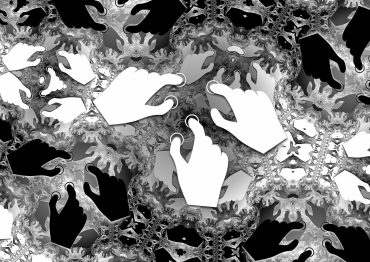
A Birthday card for Pete

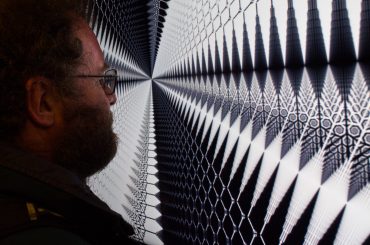
To celebrate the birthday of my friend Pete McPartlan, and in a bit of blatant one-upmanship to upstage the pd patch he made me for mine, I’ve made a little kaleidoscope toy thing…

It uses the Google o3d browser plugin, which means that it can use a pixel shader to speed up computation when running on a compatible computer. You’ll have to install it from that link in the likely event you don’t already have it installed. To be honest the same thing might be better done with Java / Processing (complete with accelerated GL), or Flash (lack of acceleration would hardly matter for something this simple, really)…

Click / drag in the graphics bit to randomly change stuff (I might do a bit more work on the dynamics of that), press space to change the behaviour. You can paste the URL of an image into the text box underneath the graphic, then double click on the text input to load it (I’ll definitely improve that…).

2 comments September 19th, 2009

Video feedback

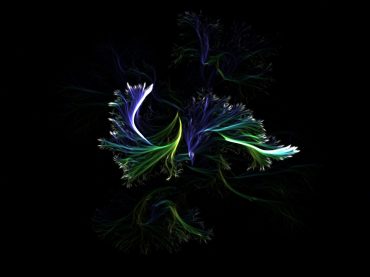
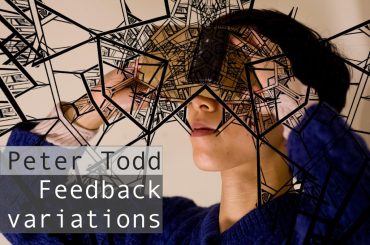
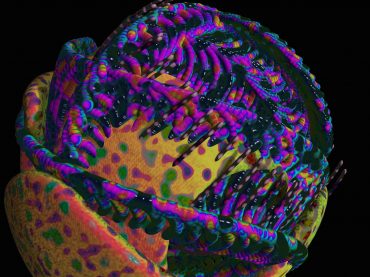
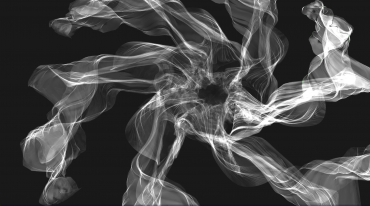
Here are a few images I created with (virtual) video feedback.  Many of these were automatically evolved based on their spatial-frequency content.  Others were generated interactively, with various different interfaces.  Really, this stuff is much more fun when moving, and particularly when it’s interactive…

This SimpleViewer gallery requires Macromedia Flash. Please open this post in your browser or get Macromedia Flash here.
This is a WPSimpleViewerGallery

I hope these are enjoyed by anyone who happens to stumble across them.  At some point, I should update with more images, some usable software, video and better explanation.

Add comment August 14th, 2009

Hello world!

Welcome to xinaesthetic.net. Here is an application for exploration of the parameter space of a graphics synthesiser. Your motions are followed and used to determine the fitness function of a genetic algorithm which breeds new offspring to replace those you do not pay attention to.

Click here to download and run the java webstart application.

Instructions

Move the mouse over different parts of the grid to register interest in particular configurations.
The borders fade from green to red, depending on the amount of attention they are given. When they go far enough into the red, they are replaced with new offspring based on the others that are currently around. Influencing the evolution of the population in this way is the main mode of interaction.

Additionally, moving the mouse over the large view to the left causes the evolution process to pause, such that the form may be examined without the pressure of the current population changing. Holding the control key while moving the mouse holds the currently focussed specimen, so that you don’t have to carefully dodge with the mouse if you don’t want the large view to change.

Each individual view can also be manipulated by dragging the mouse:

  • Left click & drag for rotation.
  • Right click & drag for translation.
  • Middle click & drag to scale.
  • Hold left & right buttons and drag to rotate about z.
  • Alt & click to reset view.

There are no alternatives for mice with less buttons for now; sorry. All comments are appreciated.

1 comment April 25th, 2008


Categories

Links

Feeds